Welcome page
All users will be redirected to the welcome page after a successful login. This page contains some basic statistics about data available for the logged in user, e.g. the projects that have received updates the last time, as well as general information that might be useful for the user and that is managed by Content Admins.
Introduction / Statistics
The first part includes a general introduction and welcome message to inform the user about the purpose of the platform. If you want to jump to the list of participating clinics you can use the link at the end of the text.
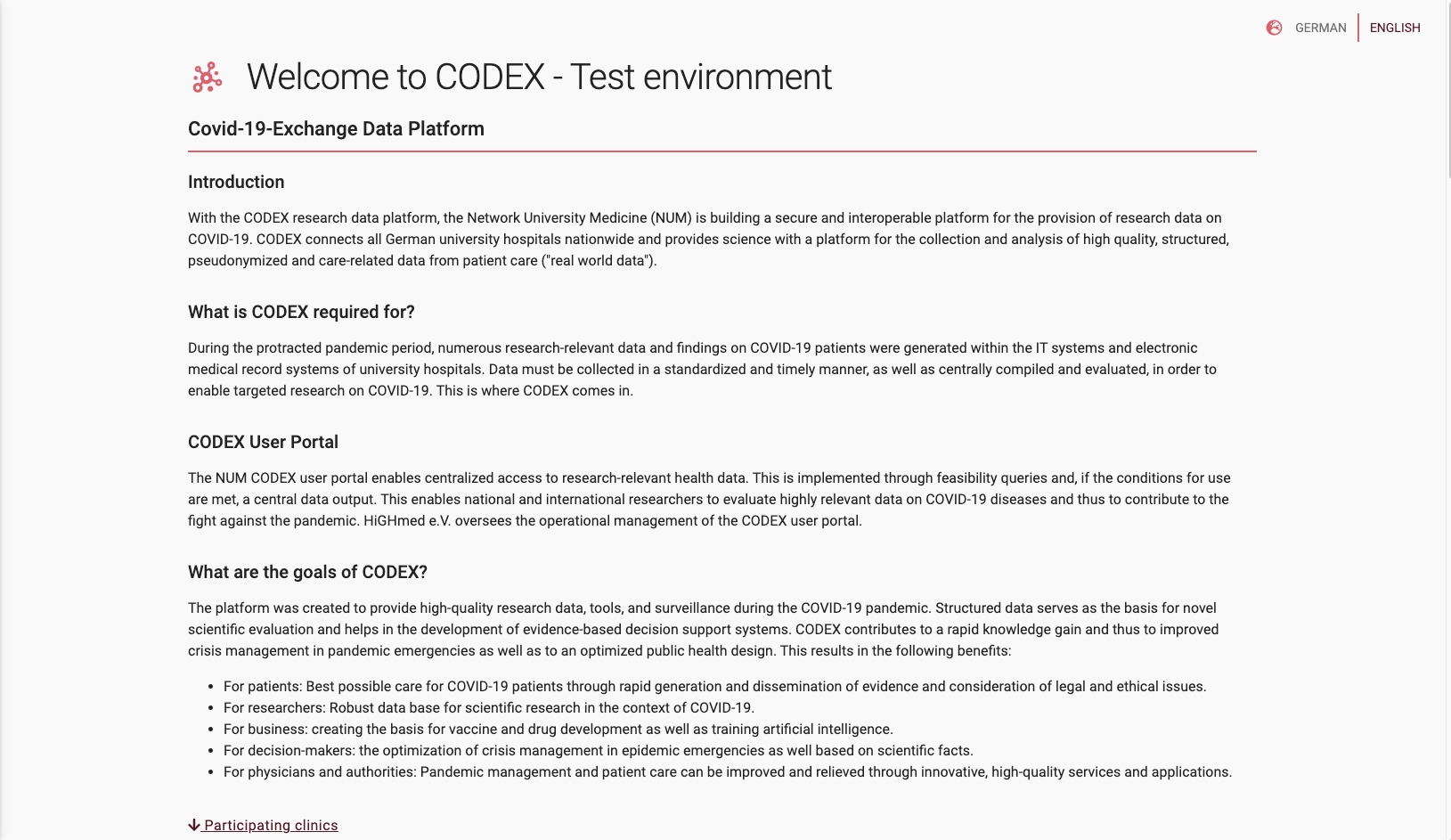
Fig 02-01: Introduction part of the welcome page
The welcome message is followed by a general statistics that informs about how many projects and Criteria haven been added to the running RDP system and also how many different clinics have provided previously mentioned data.
Note
These statistics only contain general data and contain no sensitive information about contents or names of participating clinics.
Latest projects
Important
The list of latest Projects is only visible for users that have logged in to the application.
In the list of latest Projects the user can see the last 5 projects the user has access to and that have changed the last time. This can be used to get a quick overview if there are recent changes to a project the user is interested in.
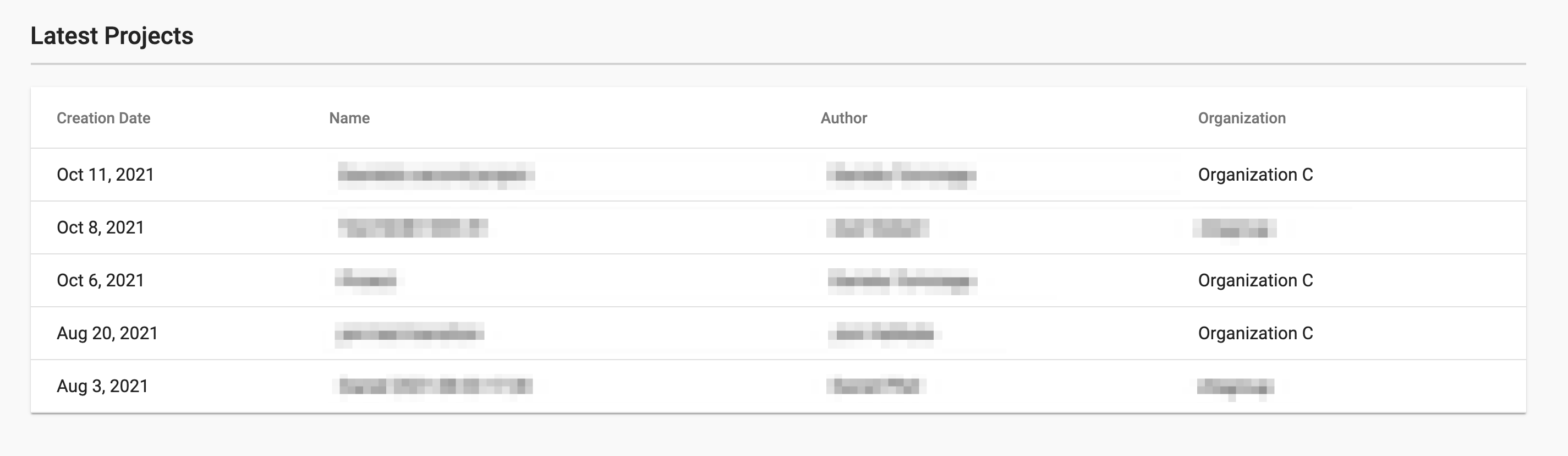
Fig 02-02: Table of latest projects
This list provides only readable information. If you want to edit or work with projects go to the page Projects or Data Explorer.
Info Board
Important
The info board content is only visible to users that are successfully logged in.
The Info Board section contains of content provided by Content Admin users. This section can contain useful information for users to assist them in their work or to announce information to logged in users.
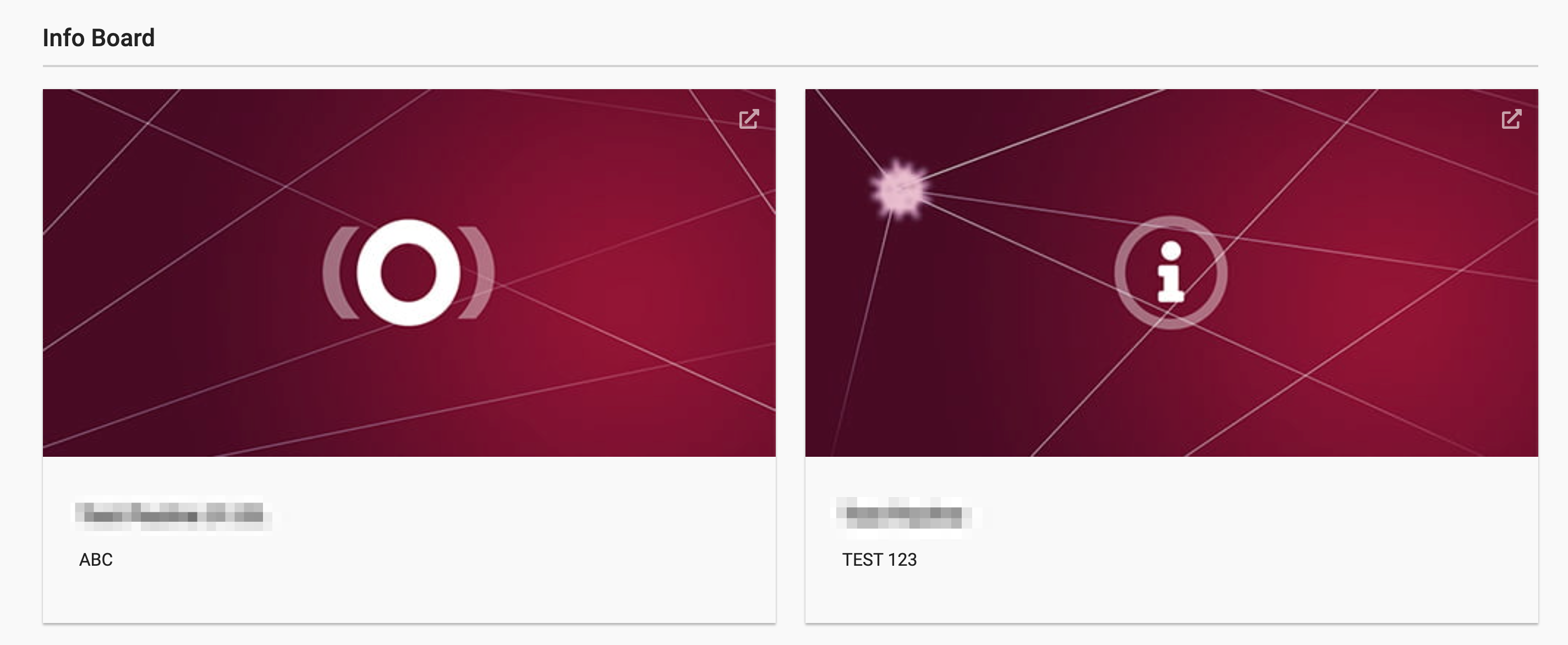
Fig 02-03: Info board cards
Participating clinics
In the following section all participating clinics are represented by their corresponding logo.