Data explorer
This section covers the data explorer page of the search module.
Important
This feature is only available and visible to users with the “Manager” role.
Data explorer allows you to retrieve available data from your previous selections in the patient and data filter.
In order for the project data to be retrieved, click on Retrieve data button. The results are then loaded. Depending on the complexity and scope of the patient and data filter configurations, the calculation may take some time.
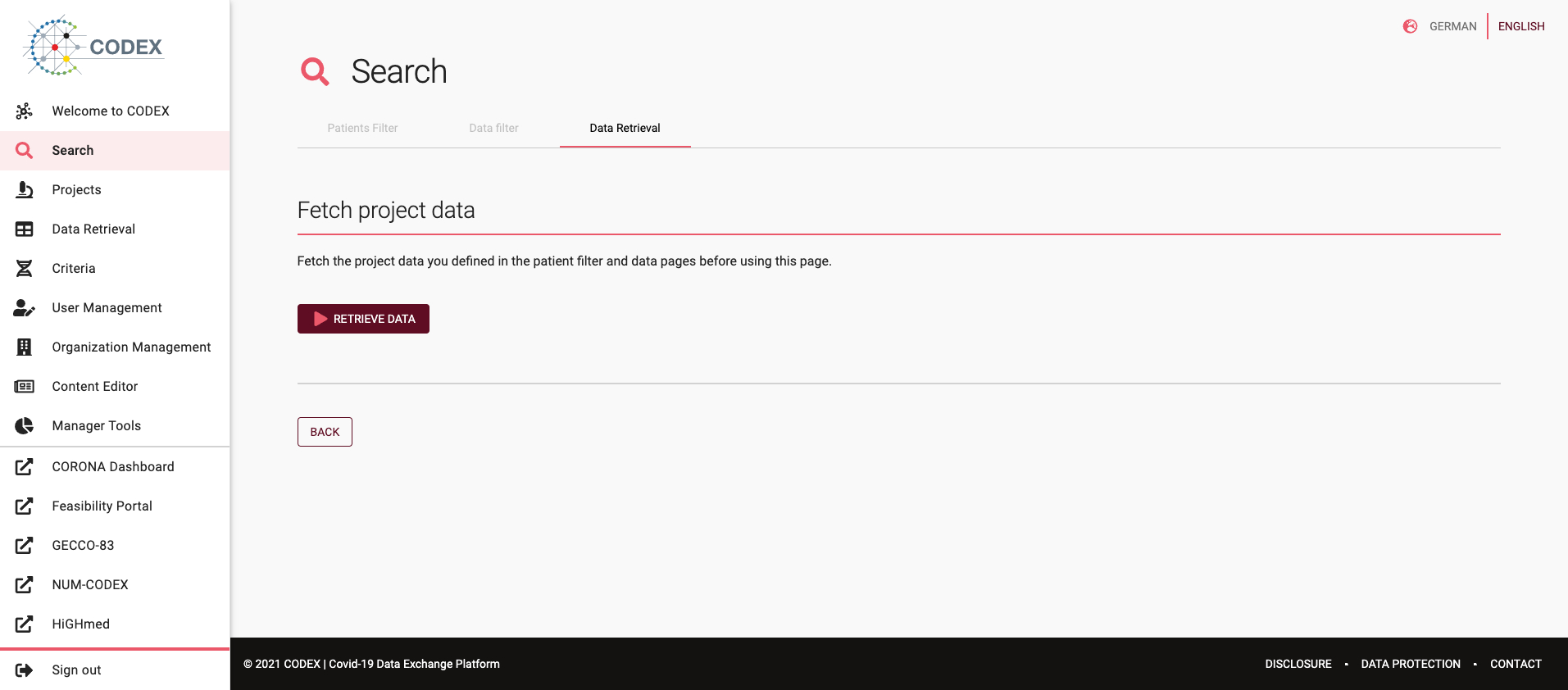
Fig 03-03-01: Data retrieval
Once the data has loaded, the results are presented in tabular form. The results of each data filter selected in the previous step are presented in separate tables.
The results can be exported in two different formats: CSV and JSON - for further use.
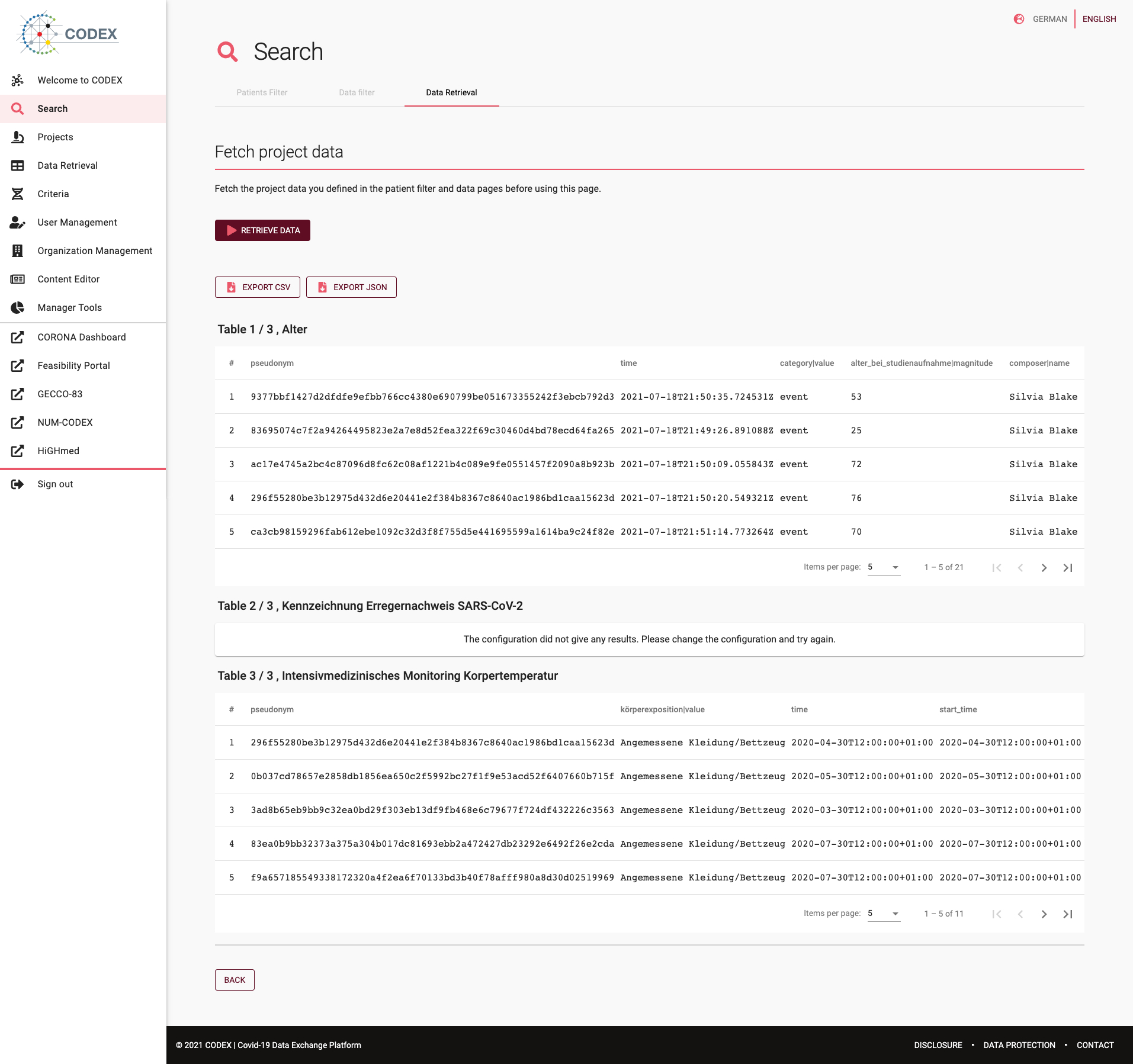
Fig 03-03-02: Data retrieval results