Approved user management
This section covers the management of approved users which will be necessary if the role of an existing user changes, e.g. a user gets new tasks and requires to use additional features of RDP.
Important
The following steps can only be executed by users with the role Organization Admin or Super Admin.
The approved users list provides information about all users in your organization (or the whole portal for Super Admins). The list can be searched via the search field in the upper right corner. For Super Admins the list also provides an option to filter the list for only the own organization. In the column roles you can see all roles that have been assigned to a user. If you want to edit these, just click on the pencil symbol at the beginning of the row and act like described in section Unapproved Users.
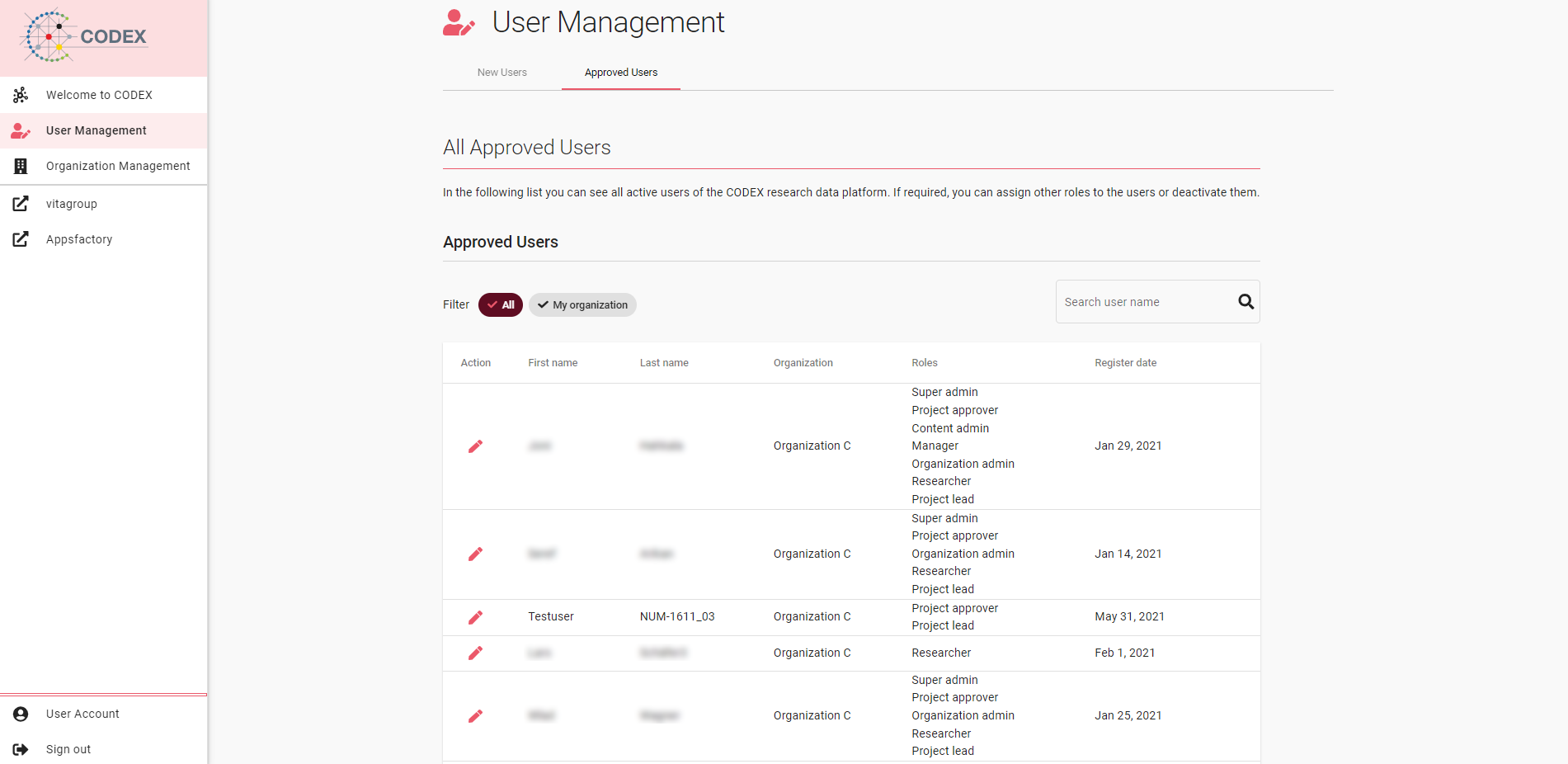
Fig 07-02-01: Approved users
Important
It is not possible to deactivate a user. However, if you want to revoke all permissions for a user, just uncheck all roles in the role assignment dialog. The user can now only access the welcome page and no further features of the portal.